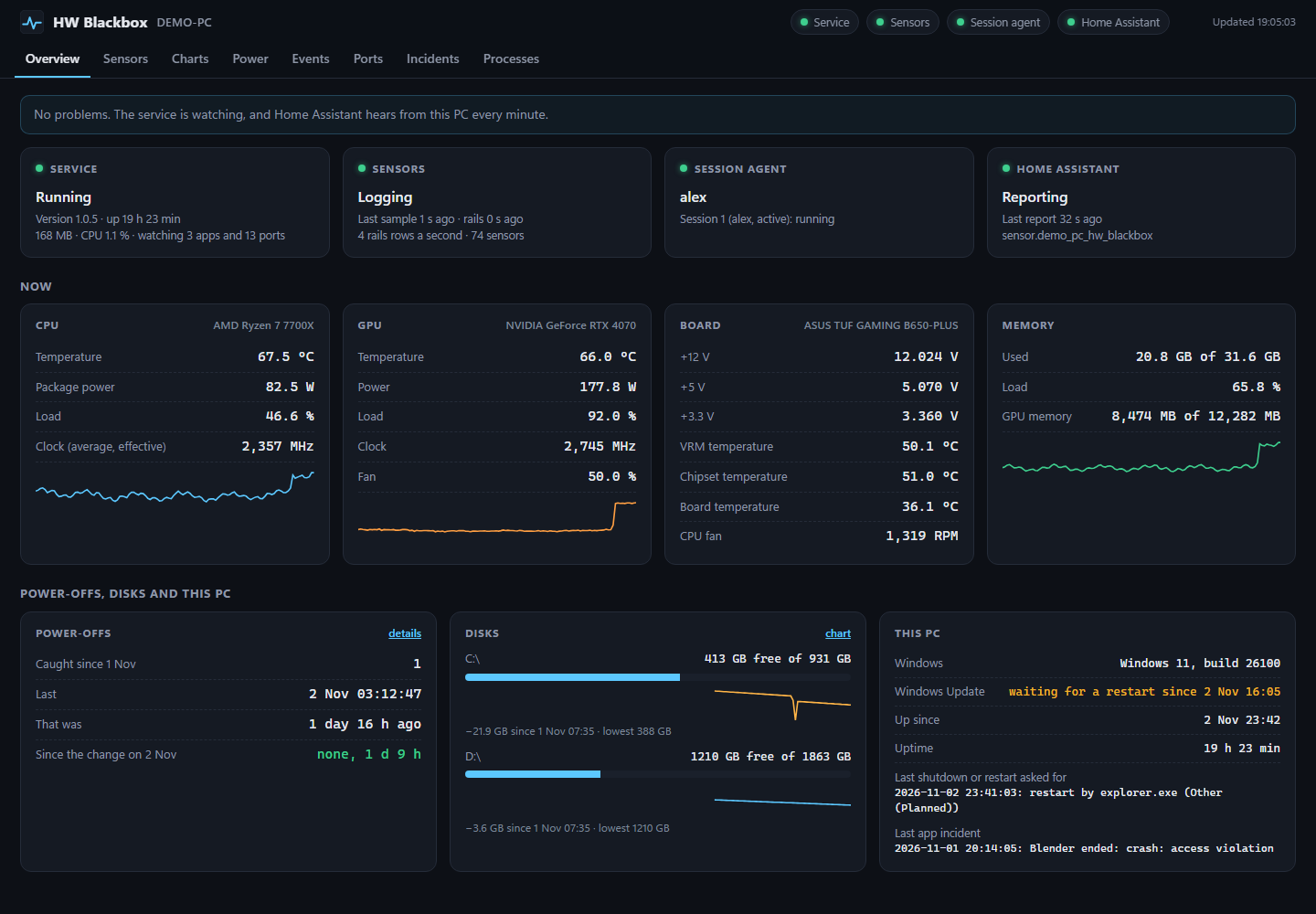
The dashboard, here over made-up demo data.
What it records
Every sensor, every 5 seconds
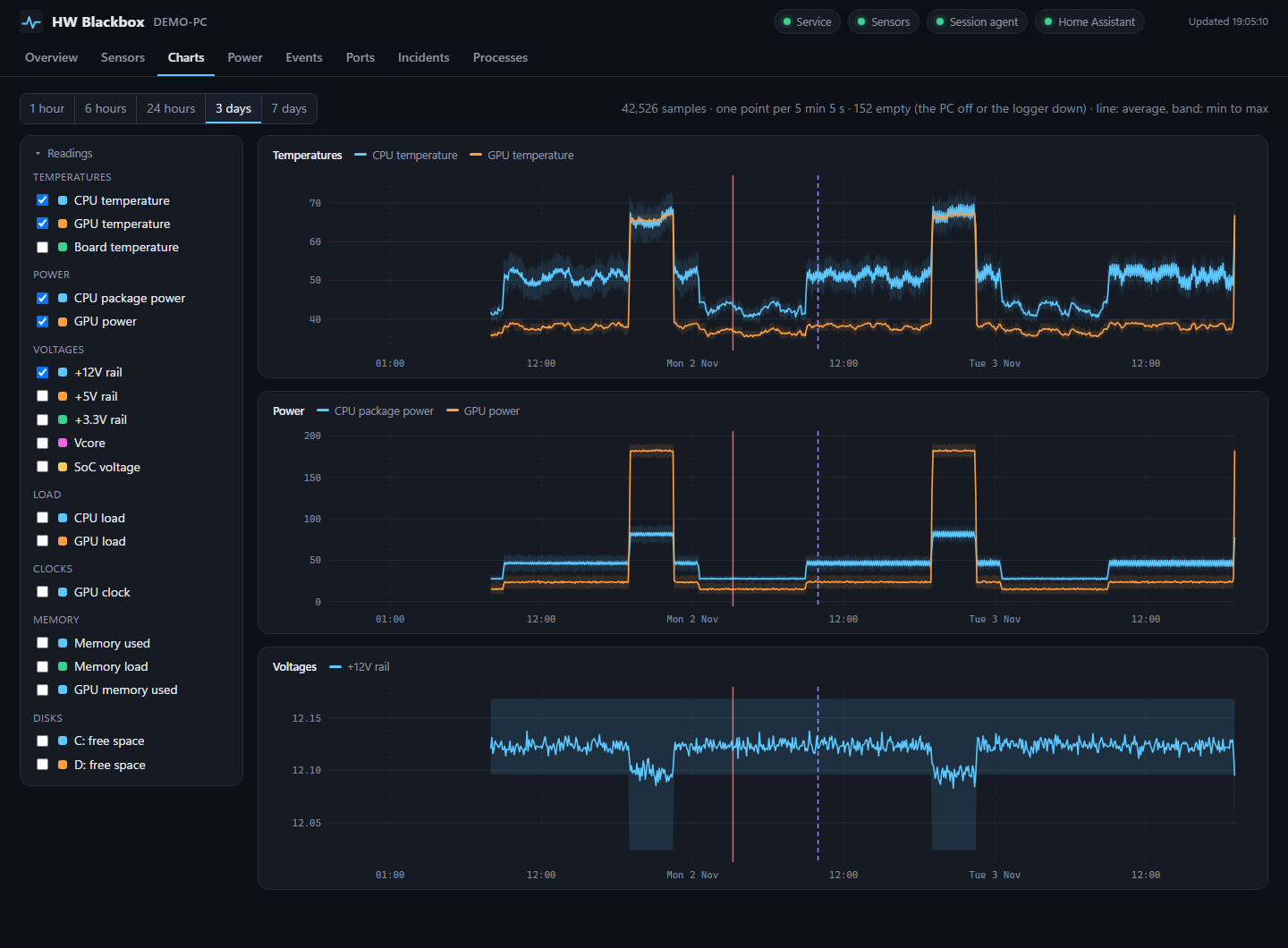
CPU, motherboard sensor chip, fans, GPU (NVIDIA through NVML; AMD and Intel through LibreHardwareMonitor), load and memory, with minimum, maximum and average.
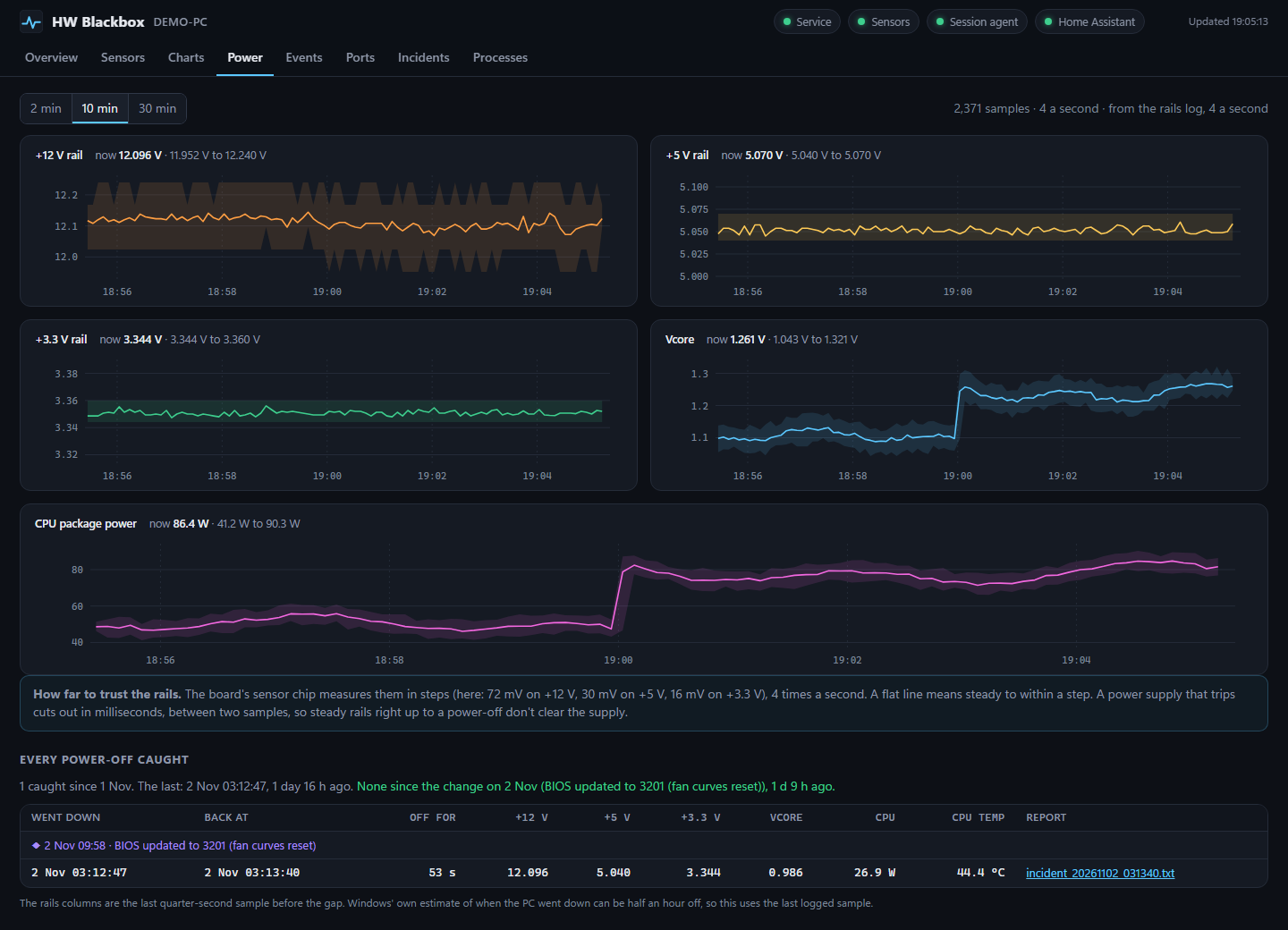
The rails, four times a second
+12 / +5 / +3.3 V, Vcore, SoC, CPU power and temperature, on their own high-priority thread. Each row is on disk before the next is taken.
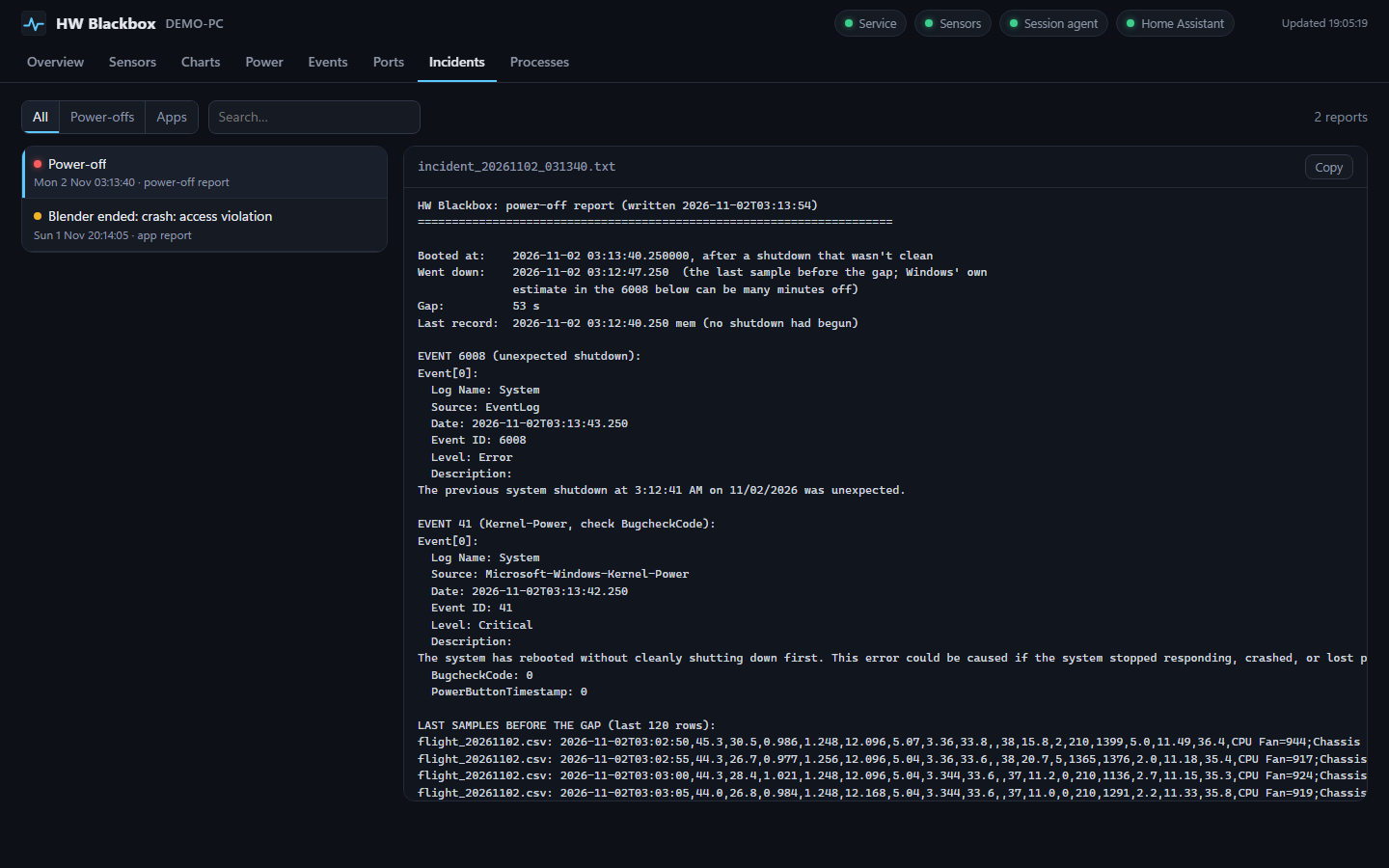
A report after every power-off
When the PC really went down (the last logged row, not Windows' guess), how long it was off, and the last two minutes of readings.
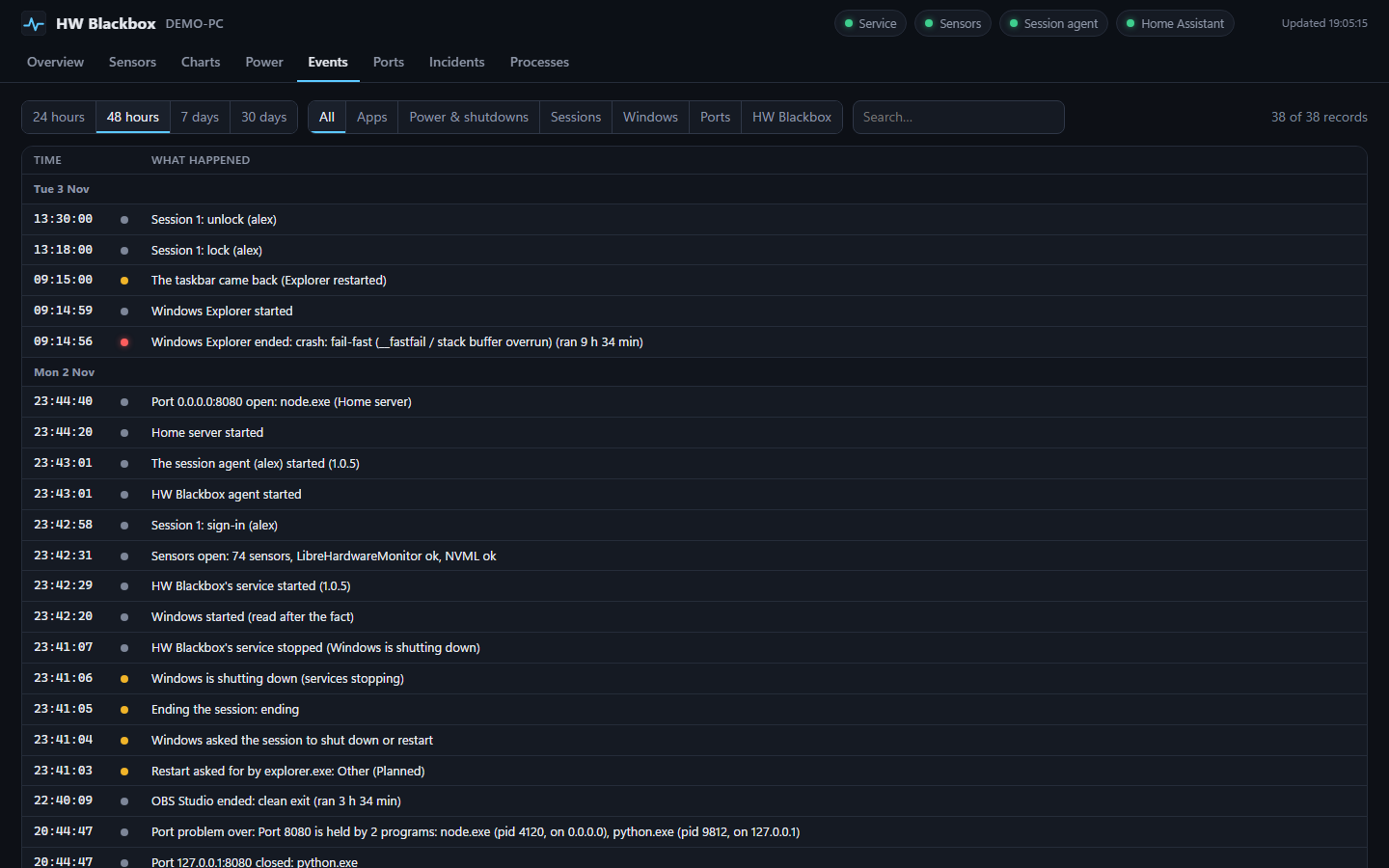
Apps closing and crashing
Starts, exits and exit codes in words for the apps you choose, and an incident report with the last three minutes of everything.
Windows' own records
Crashes, hangs, display driver resets, who asked for a shutdown or restart, sign-ins and sign-outs, sleep, and updates waiting for a restart.
Ports and disk space
Who listens on which port, and clashes; every drive's free space, with a warning when the Windows drive fills up fast.
A closer look
Built to keep running
A real Windows service
Runs from boot, whether or not anyone signs in, and Windows restarts it within seconds if it ever fails.
A dead man's switch
If any part of it stops moving, a native timer ends the service so Windows starts it fresh, even when Python itself is stuck.
Home Assistant, if you like
A status every minute, for alerts on a problem, a power loss, or a PC that has gone quiet.
Install
- For the CPU and motherboard sensors, install the PawnIO driver:
winget install namazso.PawnIO - Download HWBlackbox-win64.zip and unzip it.
- Double-click
Install.cmdand allow admin rights. It isn't code-signed, so Windows may show Windows protected your PC: click More info, then Run anyway. - Open HW Blackbox from the Start menu.
Each release lists the zip's SHA-256, and the installer checks every file against the release's manifest. Running a newer Install.cmd updates it and keeps your settings and history.
Private by design
- The dashboard listens on
127.0.0.1only. Nothing leaves the PC unless you turn on Home Assistant, and then only a status goes to your own server. - The app in front is kept for three minutes only, for incident reports. There's no history of what you use.
- The program and its Python live in Program Files, where only admins can write, because the service runs as SYSTEM.