
Private notes that stay on your PC
Encrypted on disk
AES-256-GCM, with the key derived from your master password by scrypt. The password itself is never stored, and the key is wiped from memory when NoteForge locks.
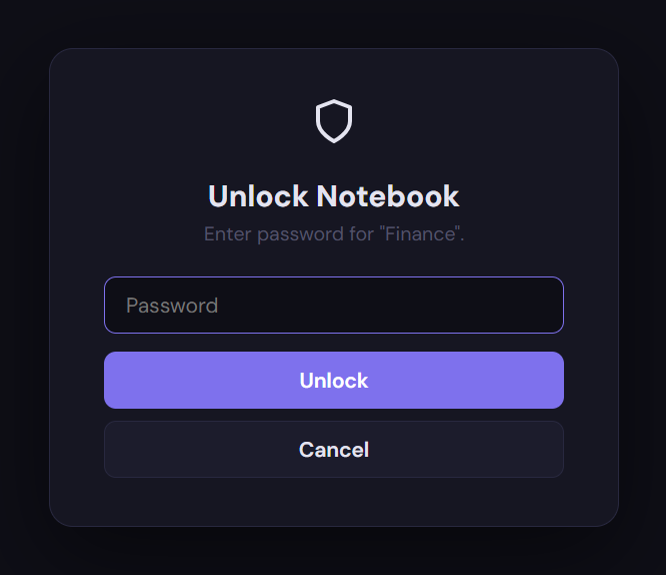
A password per notebook
Lock a notebook with its own password and its pages stay encrypted, even while the rest of NoteForge is open. Re-lock it whenever you like.
Nothing leaves your PC
No account and no cloud. Fonts and scripts are built in; the only connection NoteForge makes is the update check, and you can turn that off.
Organized like a binder
Notebooks, sections and pages, with search across every note, pinned pages, and a trash for pages you delete.
A real editor
Headings, lists, to-do checklists, tables, code blocks, links, highlights and pasted images. Find and replace, with match case. Print and export.
Built not to lose notes
Crash-safe saves and encrypted backups you can restore. With a master password, the last three versions are kept and NoteForge locks itself when you step away.
Dark and light
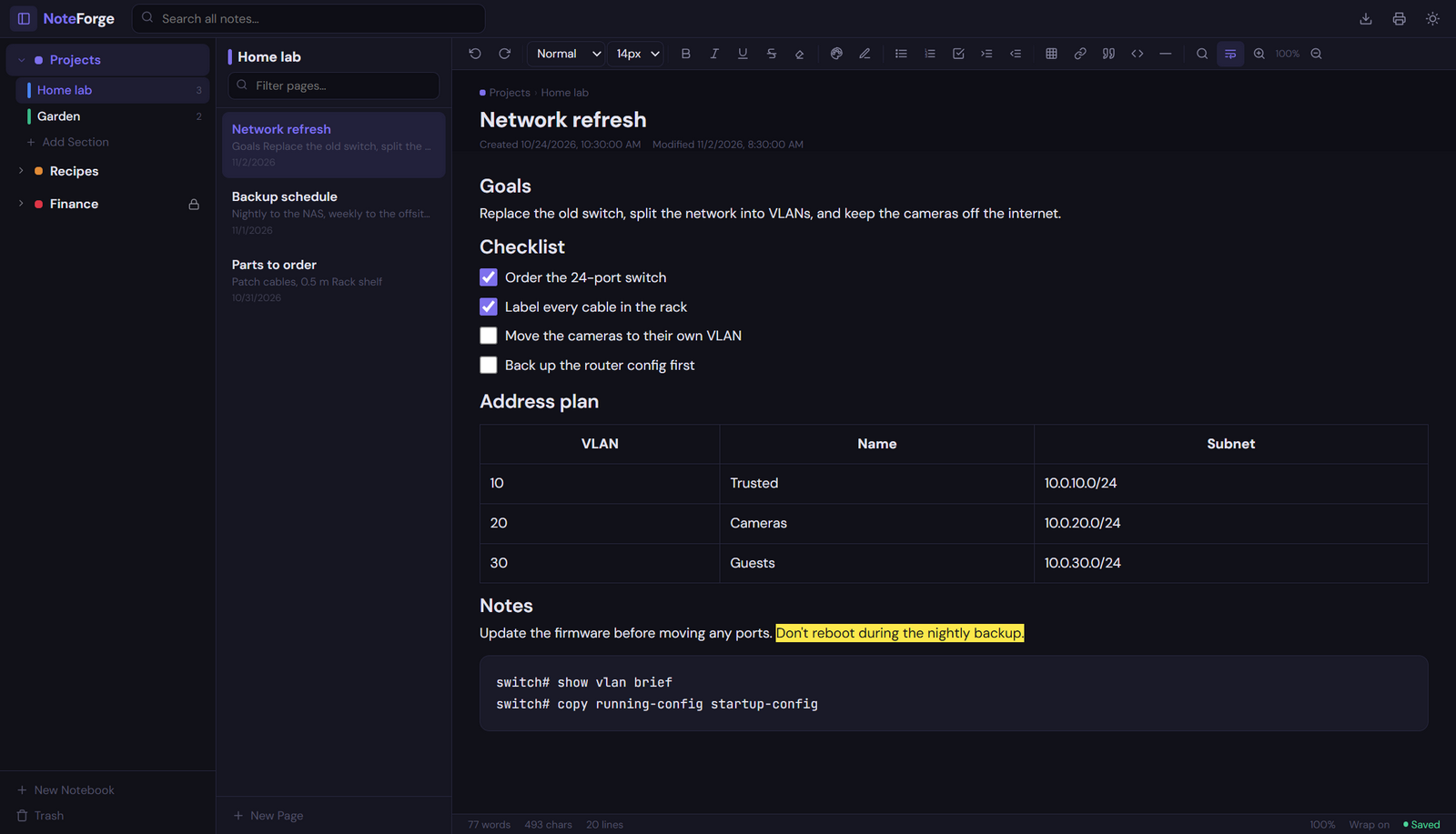
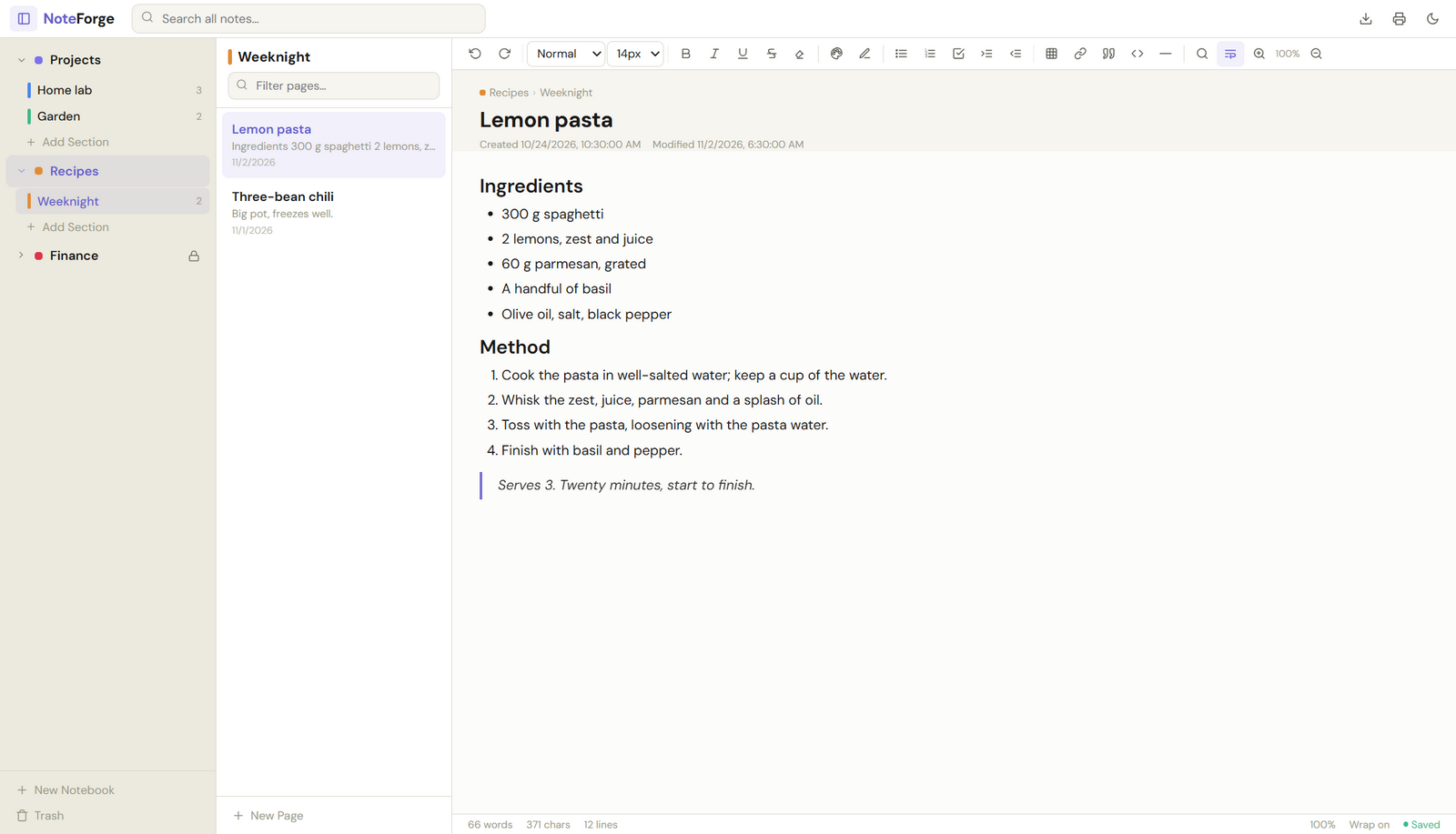
How your notes are protected
- Your password is the key. The master password goes through scrypt (N=65536, r=8, p=1) to make a 256-bit AES-GCM key. GCM authenticates what it decrypts, so a wrong password or a tampered file is refused outright rather than opening as garbled notes.
- There is no recovery. That's the point: nobody, including the author, can open your notes without your password. NoteForge insists on a strong one, because against a copied data file the password's strength is all that counts.
- Notebook passwords are separate. A protected notebook has its own salt and key; its pages are never written to disk in plain text, even while it's open.
- The app is locked down. Note content is sanitized, the window runs in Chromium's sandbox with a strict Content Security Policy, and nothing remote can load or run inside a note.
- Open to inspection. The code is on GitHub, and SECURITY.md lists the details and how to report a problem.
Install
Installer (recommended)
Download the installer and run it; no administrator rights needed. NoteForge checks for updates when it starts and installs them when you say so.
Portable
Download the portable exe and run it from any folder or a USB stick. It keeps its notes in a NoteForge Data folder next to it, so they travel with it. To update, put the new exe in the same folder.
NoteForge isn't code-signed yet, so Windows SmartScreen may warn on first run: choose More info, then Run anyway. The source and the build workflow are public.
Feedback
Found a bug or have an idea? Open an issue on GitHub. Security problems: please follow SECURITY.md instead of a public issue.